Chapters
  1. Welcome to Omarchy!
  2. Getting Started
  3. Coming From Mac or Windows
  4. Navigation
  5. The Top Bar
  6. Themes
  7. Hotkeys
  8. Unified Clipboard & History
  9. Reminders
  10. Notices
  11. Text Extraction & Dictation
  12. Screenshots & Recording
  13. Toggles, Idle & the Screensaver
  14. Omarchy CLI
  15. Terminal
  16. Neovim
  17. AI
  18. Development Tools
  19. Shell Tools
  20. Shell Functions
  21. TUIs
  22. GUIs
  23. Browsers
  24. Commercial apps/services
  25. Web Apps
  26. Gaming
  27. Filling out PDFs
  28. Windows VM
  29. Other Packages
  30. Updates
  31. Dotfiles
  32. Shell Plugins
  33. Monitors
  34. Keyboard, Mouse, Trackpad
  35. Networking
  36. System sleep
  37. Hardware authentication
  38. Fonts
  39. Backgrounds
  40. Prompt
  41. Branding
  42. Common tweaks
  43. Making your own theme
  44. Mac support
  45. Troubleshooting
  46. FAQ
  47. System snapshots
  48. Security
  49. Omarchy on...
  50. Dual Boot Install
  51. Unattended Installs

Fonts

Omarchy uses JetBrainsMono Nerd Font as both the terminal and system font by default.
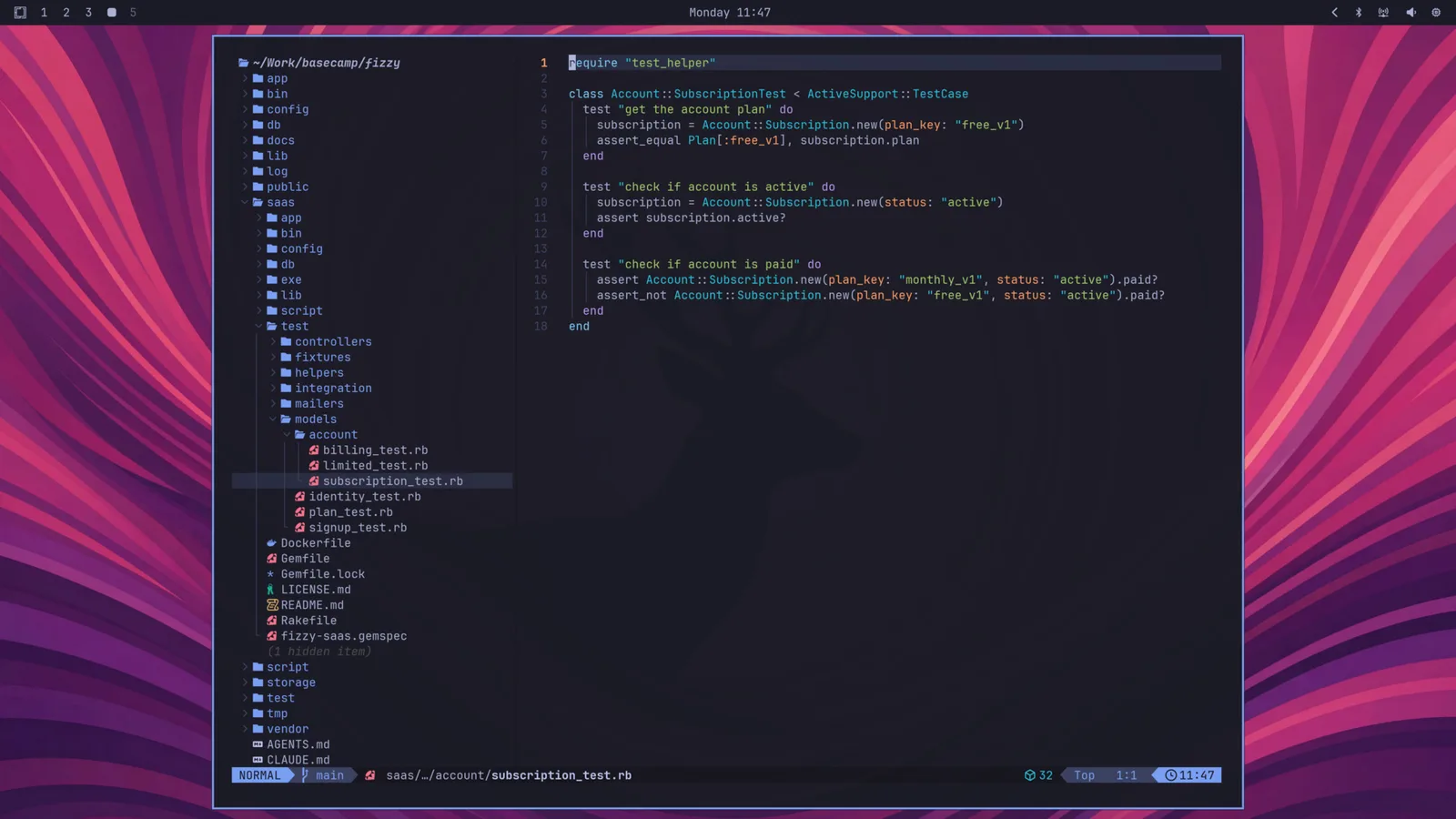
fonts-jetbrainsmono

You can change this through the Style > Font menu in the Omarchy menu (Super + Space). That sets the monospace font everywhere: the terminal, the bar, and anything else that asks for it.

You can install other popular programming fonts via Install > Style > Font in the Omarchy menu: Cascadia Mono, Meslo LG Mono, Fira Code, Victor Code, Bitstream Vera Mono, and Iosevka are all one click away, in their Nerd Font versions so the glyphs in the bar and terminal keep working. After installing one, pick it under Style > Font.